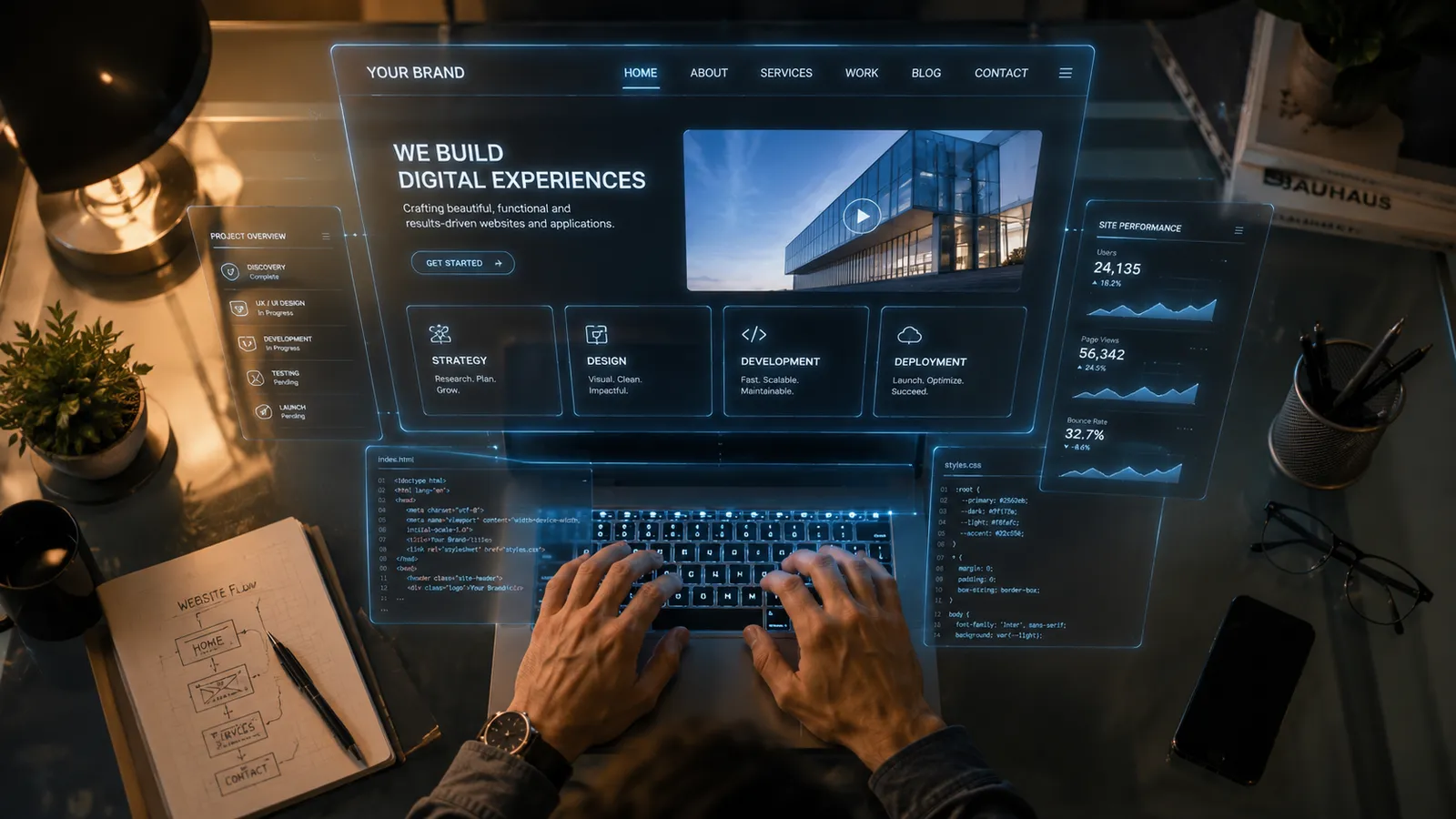
UI/UX Design in the Cayman Islands
UI/UX design in the Cayman Islands for apps and software people find easy to use
Let’s talkAerosoft provides UI and UX design in the Cayman Islands. We research how people really use your product, design the screens and flows around that, then hand the build team a design system that keeps every screen consistent.
- User interface and user experience design for apps and software
- Wireframes, clickable prototypes and tested user flows
- Design systems that stop screens drifting apart
- Handed over in Figma, yours to keep and extend
Aerosoft provides UI/UX design in the Cayman Islands for the teams building apps, software platforms, dashboards and SaaS products, not just marketing websites. We work on the product itself: how a screen is laid out, how a task flows from the first tap to a finished job, and how quickly a new user understands what to do. Good product design is the difference between software people adopt and software that sits unused after launch.
We are a local software company, so our design work does not stop at a nice picture. The same senior team that maps your user flows and builds your prototypes also writes the code, which keeps the design honest and the handover clean. You get UX design grounded in how Cayman people and businesses actually behave, and you own every design file and every line of source we produce, with no vendor lock-in.
User research and discovery
Every project starts by learning who uses the product and what they are trying to get done. For UX design in Cayman, that means talking to the people who will actually use the software: your staff, your customers, or members of the public who touch a public-facing tool. We run discovery interviews, review any existing analytics or support tickets, and map the real tasks people need to complete.
We also look at the tools and competitors your users already know, because those set expectations you cannot ignore. The output is a clear, written picture of goals, pain points and priorities that everyone agrees on before anyone designs a screen. This step keeps you from paying to build features nobody needs, which is the most expensive mistake in any software project.
Information architecture, user flows and wireframes
Once the goals are clear, we decide how the product is organised. Information architecture is the structure: what lives on which screen, how sections relate, and what a person sees first. User flows map each task step by step, from sign-in to a completed job, including the error states and edge cases that get skipped when design is rushed.
We then produce wireframes, which are plain layouts of every key screen without colour or branding, so decisions are about function rather than taste. Reviewing structure at the wireframe stage is fast and cheap. Changing it after the software is built is slow and expensive. For products that serve residents, tourists and overseas clients at once, getting the flow right early saves weeks of rework later.
Interactive prototypes and usability testing
A static picture cannot tell you whether a product is easy to use, so we build interactive prototypes you can click through as if the software were real. This lets you, your team and a few real users try key tasks before a developer writes production code.
We run usability testing by watching people attempt those tasks and noting where they hesitate, misread a label or take a wrong turn. Small confusions that are invisible on paper become obvious the moment someone uses the prototype. We fix them in the design, test again, and only then move to build. Testing with a handful of Cayman users early catches the problems that would otherwise become support calls, poor reviews and change requests after launch.
Design systems, accessibility and the build
For anything beyond a single screen we create a design system: a documented set of colours, type, spacing, buttons, forms and other components that every part of the product reuses. This keeps a growing app consistent, speeds up future work, and gives developers exact specifications instead of guesswork.
We design to recognised accessibility standards (WCAG) so the product works for people using screen readers, keyboard navigation or larger text, which also improves usability for everyone. Because Aerosoft builds the software as well, the design system flows straight into a matching component library in code. There is no gap between what was designed and what gets shipped, and no separate agency to blame when the two do not match. You keep the design files and the source.
What's included in our UI/UX design service
Discovery and user research
We start with interviews, a review of your current tool or analytics, and a short workshop to agree goals, users and how we will measure success. You get a written summary of who the product serves, the tasks that matter most, and the constraints we must design around. This shared understanding keeps the whole project pointed at real needs rather than assumptions, and it gives every later decision something concrete to check against.
Information architecture and user flows
We map how the product is structured and how each task moves from start to finish, including sign-in, empty screens and error paths. These flows show the full journey, not just the happy path, so nothing important is discovered halfway through the build. Clear flows also make estimating and scheduling far more accurate, because everyone can see the true size of the work before it begins rather than after costs have risen.
Wireframes and interactive prototypes
You receive wireframes for every key screen and a clickable prototype that behaves like the finished product. You can try it on your own phone or computer, share it with colleagues, and feel how the software will work before we write production code. Reviewing a working prototype makes feedback specific and fast, and it removes the guesswork from approving a design you would otherwise only see as flat images.
Visual (UI) design
On top of the approved structure we design the interface itself: layout, colour, typography, icons and the states for every button and field. The interface matches your brand and stays readable and calm rather than cluttered. Each screen is delivered at the sizes your product needs, whether that is mobile, tablet, desktop or a data-heavy dashboard, and every element is specified so it can be built exactly as drawn.
Design system and component library
For products that will grow we build a reusable design system covering colours, type, spacing and shared components such as buttons, forms and tables. It keeps the product consistent as new features arrive and makes future design and development quicker. Because we also build the software, the system is delivered as matching components in code, so what is designed is exactly what ships to your users.
Usability testing and accessibility
We test key tasks with real users, record where they struggle, and refine the design before it reaches the build. We also design to recognised accessibility standards so the product works for people using screen readers, keyboards or larger text. Testing and accessibility together mean fewer support calls after launch and a product a wider range of Cayman residents and clients can use with confidence.
UI/UX design with Aerosoft vs. skipping design
| What matters | Aerosoft Cayman | Skipping design / dev-only build |
|---|---|---|
| Where problems are found | In cheap prototypes, before code is written | In production, after users complain |
| User research | Real Cayman users are consulted before building | Guesswork based on the loudest opinion in the room |
| Cost of changes | Fast and low while it is still a design file | Slow and costly once it is built software |
| Consistency | A documented design system every screen reuses | Each screen built differently as the work goes on |
| Accessibility | Designed to WCAG standards from the start | Bolted on later, if it happens at all |
| Design to build handover | Same team designs and builds, so there is no gap | Developers interpret a spec, or invent their own |
Answers for Cayman business owners.
What is the difference between UI and UX design?
UX (user experience) design is about how a product works: the research, structure, user flows and testing that make tasks easy to complete. UI (user interface) design is about how it looks: layout, colour, type, icons and the state of every button. UX decides what goes where and why; UI makes it clear and pleasant to use. Good products need both, and at Aerosoft the same team handles them together.
Do I need UI/UX design for my app or software project?
If people who are not you will use it, then yes. Any app, dashboard or software tool with real users benefits from UI/UX design, because it is far cheaper to fix confusion in a prototype than in built software. Even a small project gains from a short discovery and a tested prototype. For a simple internal tool the design phase can be light, and we scope it to fit the size of your project in the Cayman Islands.
How is product design different from web design?
Web design focuses on marketing websites that inform visitors and generate enquiries. Product design, or UI/UX design, is for software people use to get work done: apps, dashboards, booking systems and SaaS platforms. Product design puts more weight on user flows, complex states, data and repeated daily use. Aerosoft offers both in Grand Cayman, and we will tell you honestly which one your project actually needs during the scoping call.
Do you build the software you design, or only hand over files?
Both are possible. Aerosoft is a Cayman software company, so we usually design and build the same product, which removes the gap between a design and what developers ship. If you have your own development team, we can hand over complete design files, a design system and specifications for them to build from. Either way you own all the design files and any source code we produce.
How long does UI/UX design take?
It depends on the size of the product. A single focused feature or a small app can move through research, design and a tested prototype in a few weeks. A larger platform with many screens and user types takes longer, and we usually run design in stages so building can start on approved parts. We confirm the timeline during the scoping call before any work begins.
How much does UI/UX design cost in the Cayman Islands?
Cost varies with the number of screens, the number of user types, and how much research and testing the product needs. We do not quote a flat figure before we understand your project, because that leads to surprises for both sides. After a short scoping call we give you a clear proposal with milestones, so you know the scope and the cost before committing to anything.
What do I receive at the end of a UI/UX project?
You receive the research summary, user flows, wireframes, an interactive prototype and the final interface designs for every screen, plus a design system if the product needs one. Everything is delivered in editable files you own, with no lock-in. If we are also building the software, the same designs flow directly into the code, so you get both the files and the source.
Can you redesign our existing app or software?
Yes. Many projects are improvements to software that already exists but is hard to use. We review the current product, watch real users work with it, and find where people get stuck or give up. From there we redesign the problem areas, test the new version, and roll out changes in stages so your users are not disrupted. You do not have to start from scratch to see a real improvement.
What is usability testing and why does it matter?
Usability testing means watching real people try to complete tasks with your product and noting where they hesitate or make mistakes. It matters because the people who build software know it too well to see what confuses a newcomer. Testing a clickable prototype with a few Cayman users, before code is written, catches problems early, when they are cheap to fix rather than after launch.
Design software people actually want to use
Book a scoping call with Aerosoft in Grand Cayman and we will map your users, your flows and your priorities before any code is written.
Talk to our experts